JPEN


※Since we do not support smartphones, please check from a PC in order to use the site.
This sample video diverges from the act of “listening” and diverges from ideas of what the experience of enjoying music can be like.
Visury (Visual Discovery) allows users to visualize and share diverse perspectives and interpretations that are not bound by words, by engaging their thoughts through images. Users can create, observe, and develop an infinite number of images. Visury adds new depth to everyday communication and enables the free exchange of ideas. We use language to communicate on a daily basis, but once words are defined, we lose sight of the myriad possibilities and inherent diversity that lies on their periphery. We have attempted to communicate not only through words but also through images. As a result, we noticed that a wide variety of perceptions emerged. By incorporating this discovery into our products, we hope to provide a new way of communication.

How you use Visury is only limited by your imagination. That said, most of you probably don't know what to do with it, so here are some specific use cases.
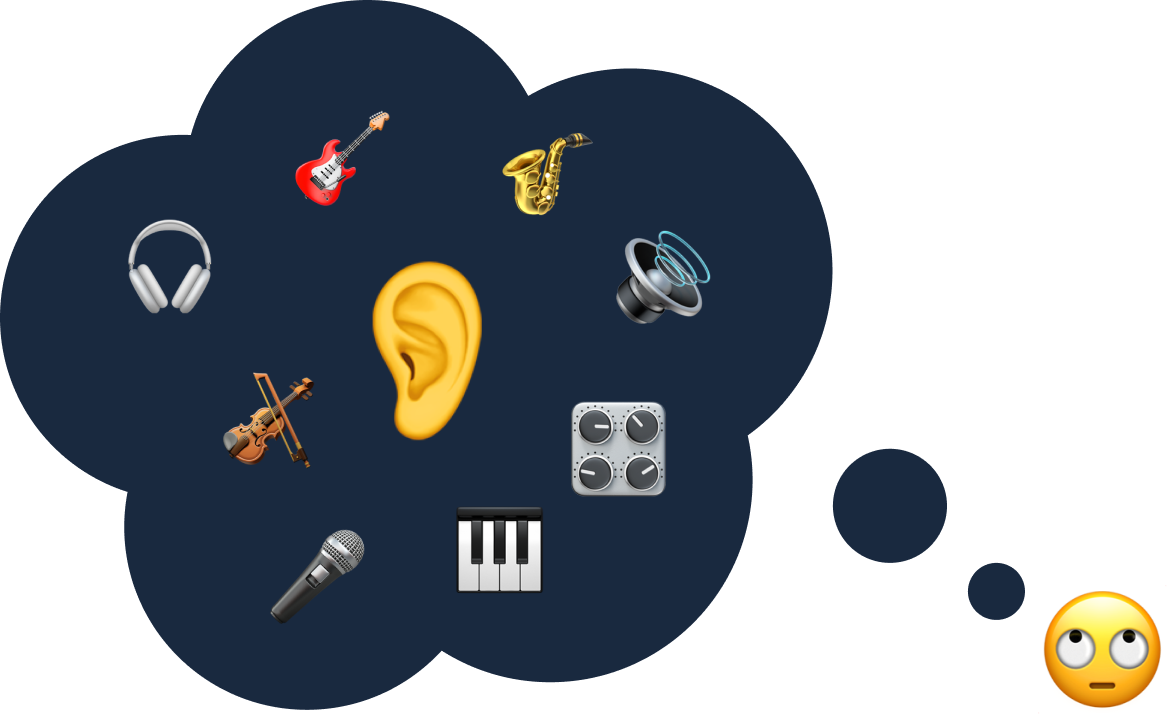
For example, it can help you to vent and explore ideas when you are asked for ideas for some work. Please take a look at the sample video at the beginning of this site.
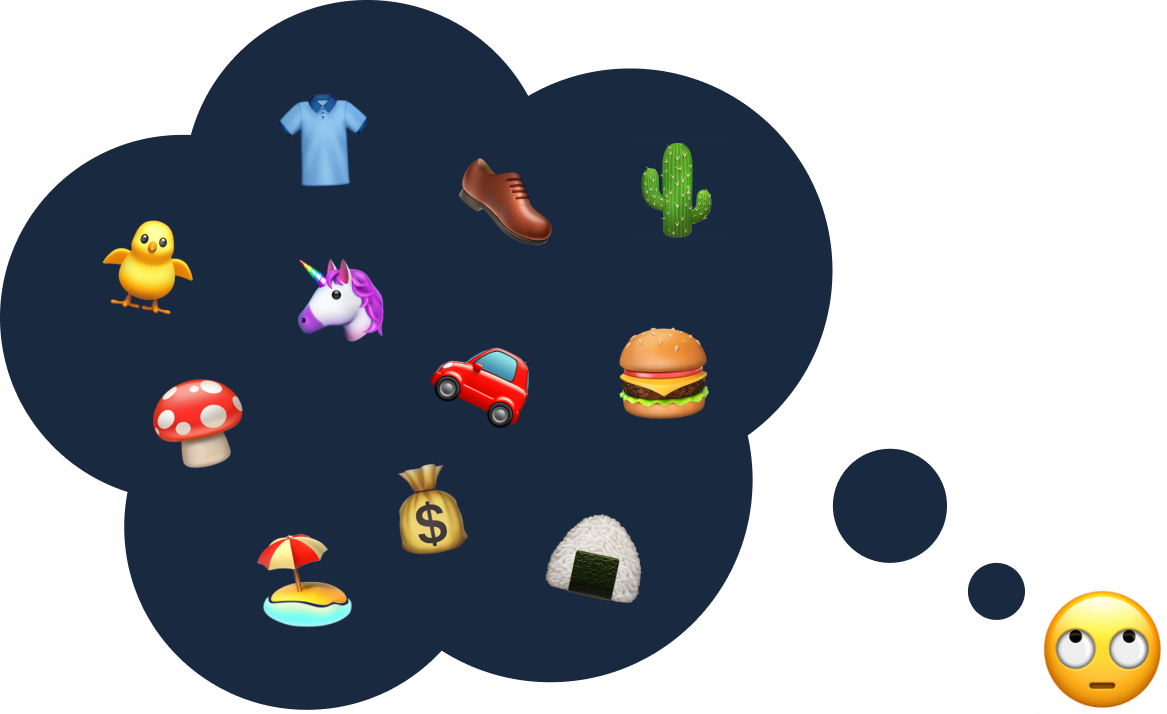
For example, by placing images you like and dislike on the World, and creating many Discoveries, you can explore in depth the relevance of each image and why you placed it where you did.
This section describes how to actually use Visury.
We will discuss the topics you would like to explore in Visury. You are free to choose any theme. It can be something introduced in the use cases or anything else that comes to mind!

First, go to Visury and click on the “CREATE” button. Your World will be created.

You can use whatever images you have on hand, or images you find on the Internet, and try to place them according to the theme you have in mind. Images can be placed by dragging and dropping or by pasting a copy to the clipboard.

Take a bird's eye view of the images you have placed. Try trial and error, moving closer to or talking to things that might be related. In doing so, you may discover unexpected combinations that had not risen to your awareness.

Let's create your own world right away!
CREATE YOUR WORLDDoes it cost money?
Where can I see what you have made?
Is there anything I should be aware of?
I'm not quite sure how to use it...
What are your plans for the future?
If you have any concerns about Visury, Please contact us.